
Know what is live on every port.
Supported brands already on your racks
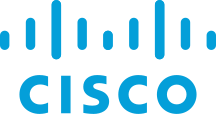







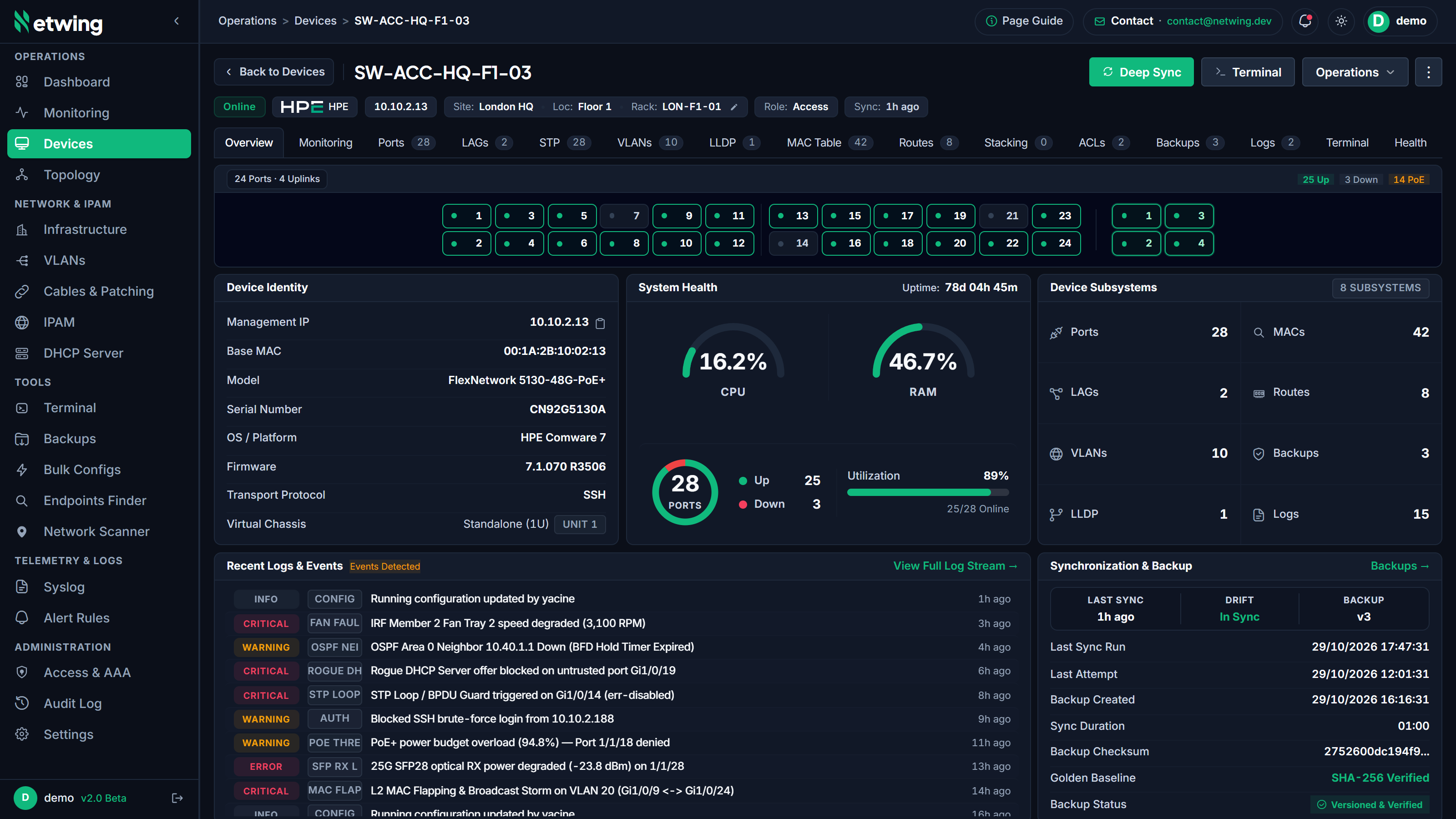
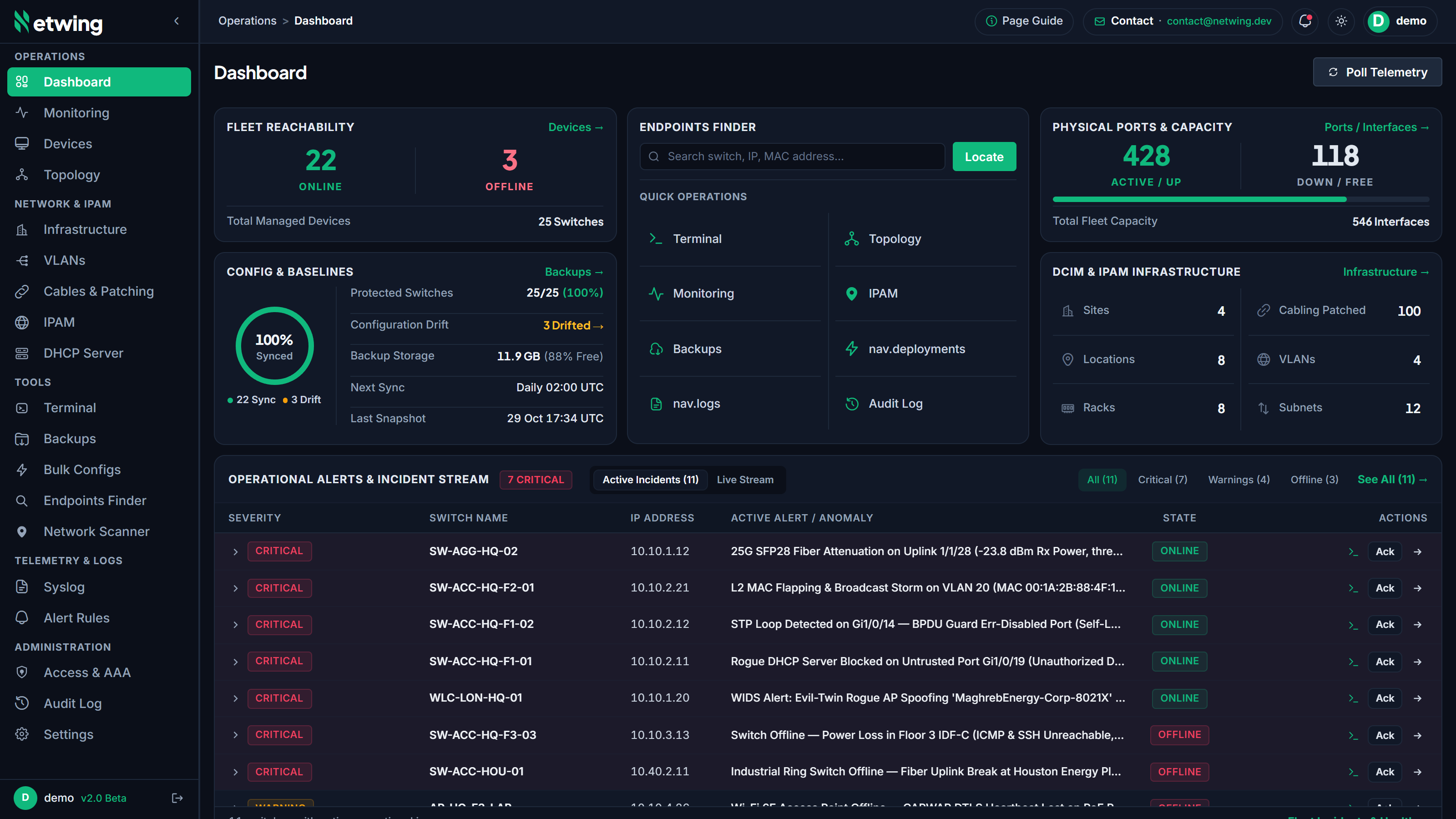
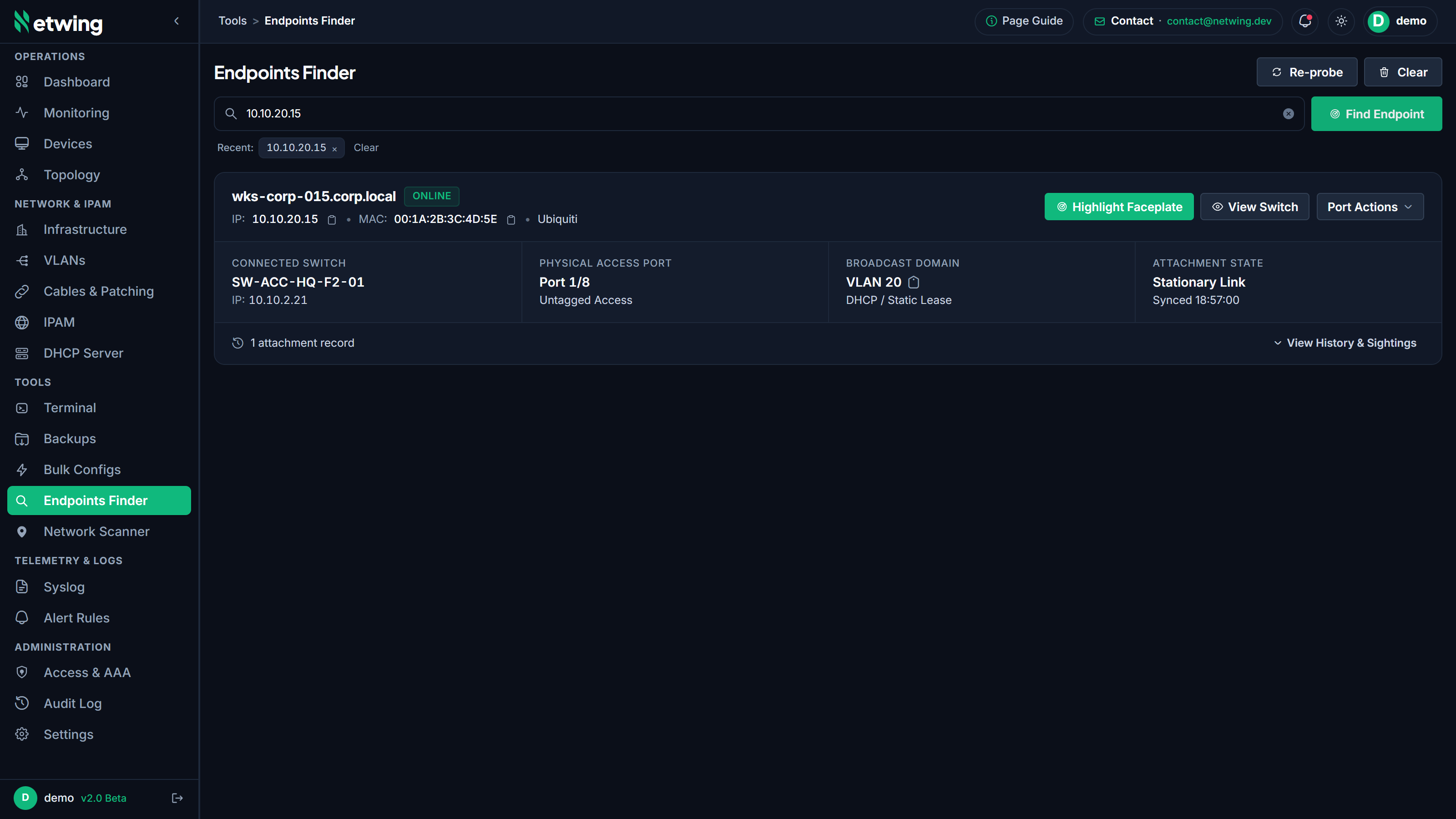
Day-to-day ops, one console.
Topology, backups, syslog, bulk change, IPAM, DCIM, TACACS, and audited CLI, without hopping between consoles or hunting credentials.
Live leases, MAC bindings, static reservations, and rogue DHCP flags.
Template changes across many switches: validate first, roll back if needed.
Ingest flaps and ops events, then match them to rules that matter.
Scheduled snapshots and line-level diffs against the known-good config.
SSH in the browser, no shared passwords in chat, sessions audited.
Walk adjacencies, show LAGs, STP roots, and live link speeds.
Trace port-to-port paths, panels, and rack elevations, not a spreadsheet.
Hierarchy, utilization, VLAN mapping, keep address space honest.
LDAP/RADIUS, role-based access, and a durable log of operator actions.
Device command authorization, accounting streams, and per-operator privilege mapping.
On-prem · air-gap ready · turnkey appliance
Runs in your DC.
Data stays in your DC.
Enterprise Docker appliance. Zero SaaS dependency, zero outbound telemetry, hardware-bound offline licensing.
-
Download installer Official versioned script from get.netwing.dev.
-
Execute turnkey setup Auto-provisions Docker, Fernet envelope keys, and schema.
-
Launch Netwing Console Ready in 2 minutes on your server IP or domain.
# Step 1: Download official versioned installer
curl -fsSL https://get.netwing.dev/install.sh -o install.sh && chmod +x install.sh
# Step 2: Execute turnkey appliance installation
sudo ./install.sh --version 1.0.0
[+] Step 1/5: Provisioning secure configuration directories...
[+] Step 2/5: Generating cryptographic production secrets (.env)...
[+] Step 3/5: Preparing production appliance image (v1.0.0)...
[+] Step 4/5: Initializing database schema and core services...
[+] Step 5/5: Starting Netwing 1.0 Enterprise stack...
==================================================================
Netwing 1.0 Enterprise Appliance Installed Successfully!
URL: https://<your-server-ip>
Initial Admin: admin (saved to /root/.initial_admin_credentials)
CLI Controller: 'netwing status' or 'netwingctl.sh'
- Secrets encrypted at rest AES-256 Fernet envelope encryption
- Offline licensing Hardware-locked signed entitlements, no call-home
- Air-gap friendly Self-contained image bundles with zero cloud egress
- ~2 minute install Automated Docker & schema turnkey setup
